Style 01
Modern Editorial
Full-bleed portrait photography · Warm matte espresso scrim & crisp editorial typography



No Canva or design software. Upload one photograph to create matching memorial cards, welcome signs, a widescreen tribute, and a 4-page funeral program — ready for home printers, photo labs, and print shops.
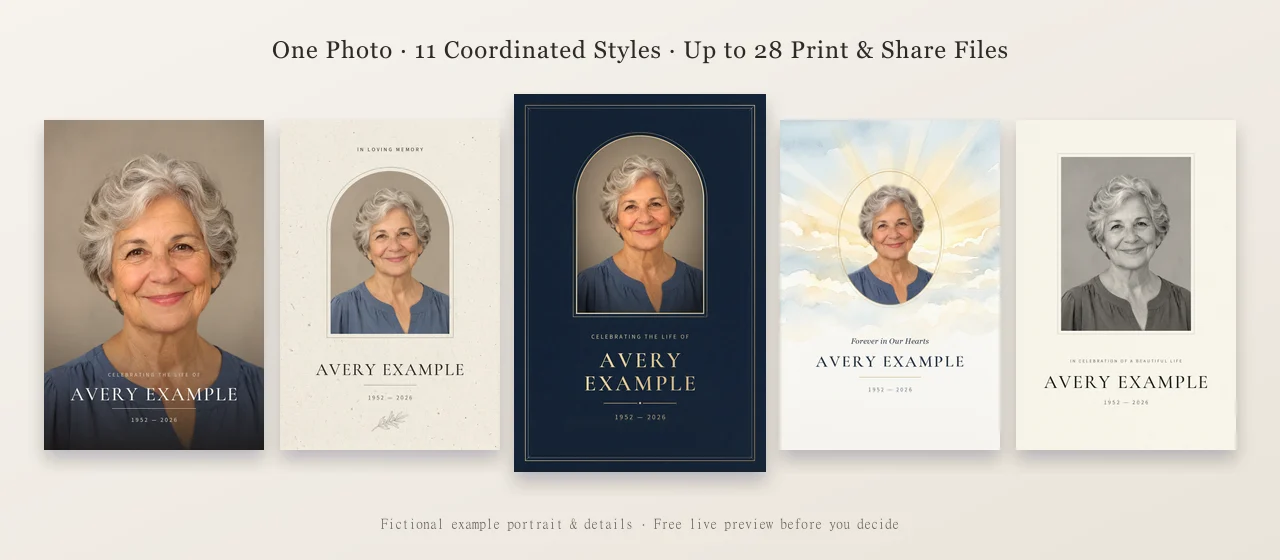
Free live preview for all 11 styles · Free sharing image, $12.90 Memorial Kit (16 files), or $24.90 Complete Service Kit (28 files).
Every style delivers a complete matching stationery suite — front & back memorial cards, bookmarks, 16:9 screen tributes, welcome signs, and a 4-page service program. Six classic floral themes are also included.
Style 01
Full-bleed portrait photography · Warm matte espresso scrim & crisp editorial typography
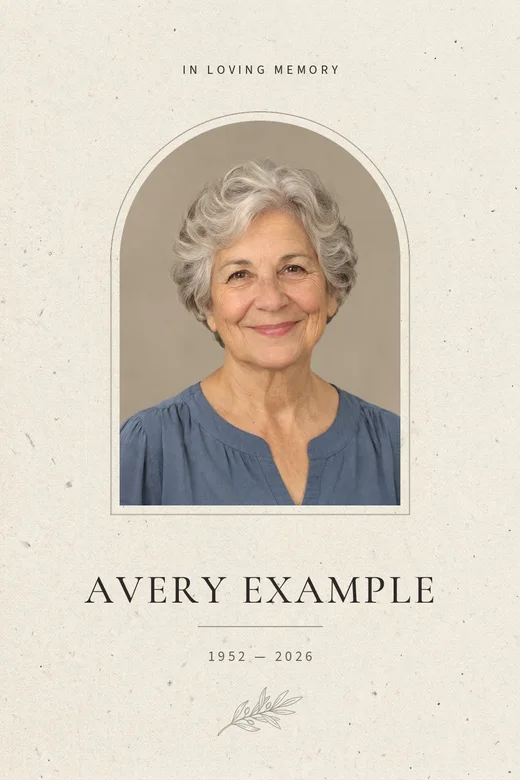
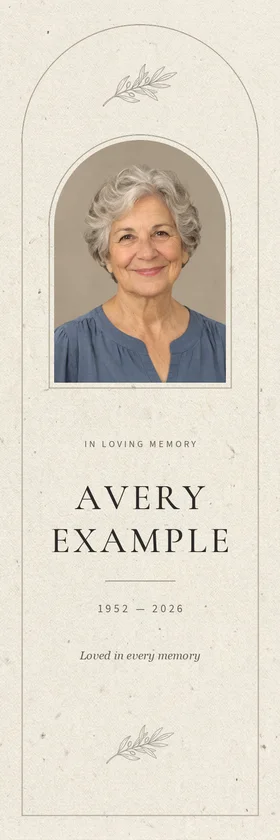
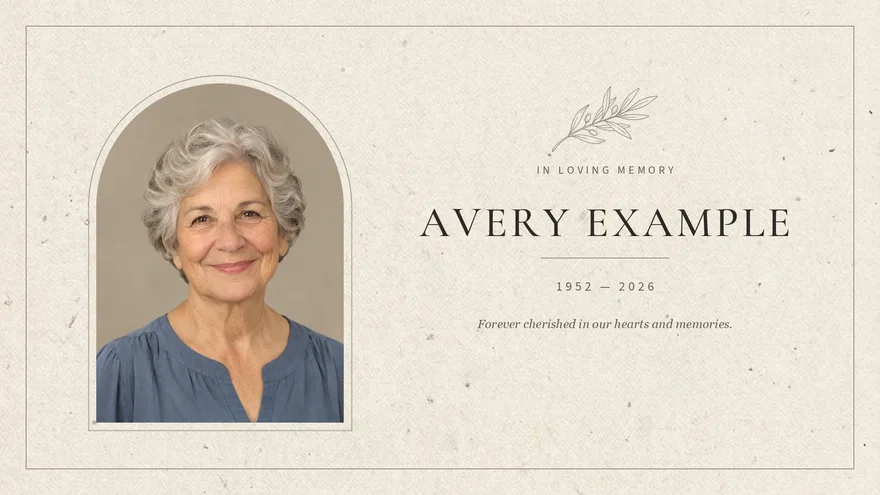
Style 02
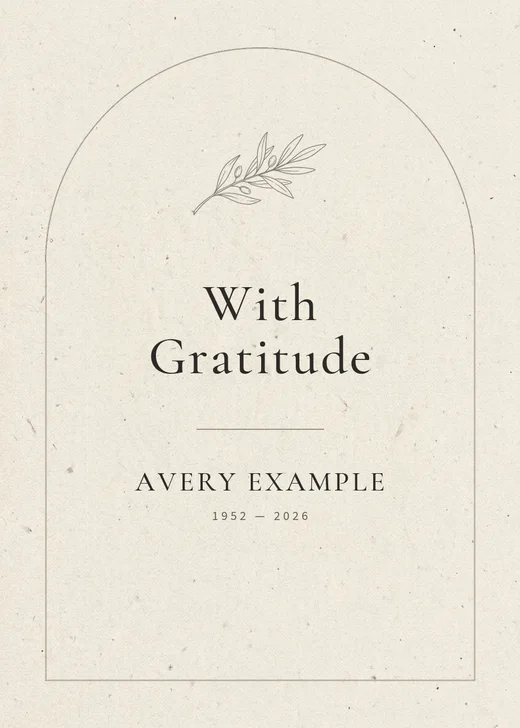
Warm oatmeal linen texture · Refined architectural double-arch frame & botanical olive motif
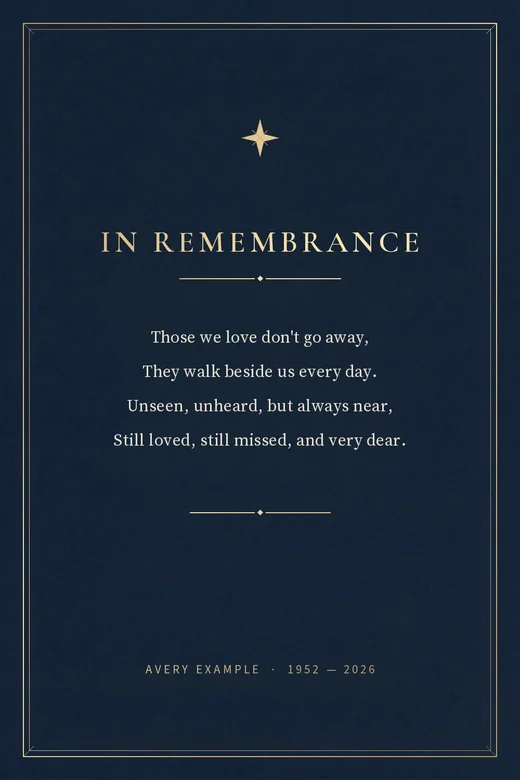
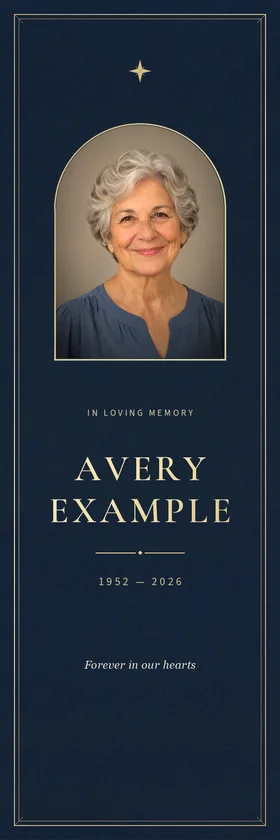
Style 03
Deep matte navy stationery · Brushed champagne-gold foil double borders & timeless serif display

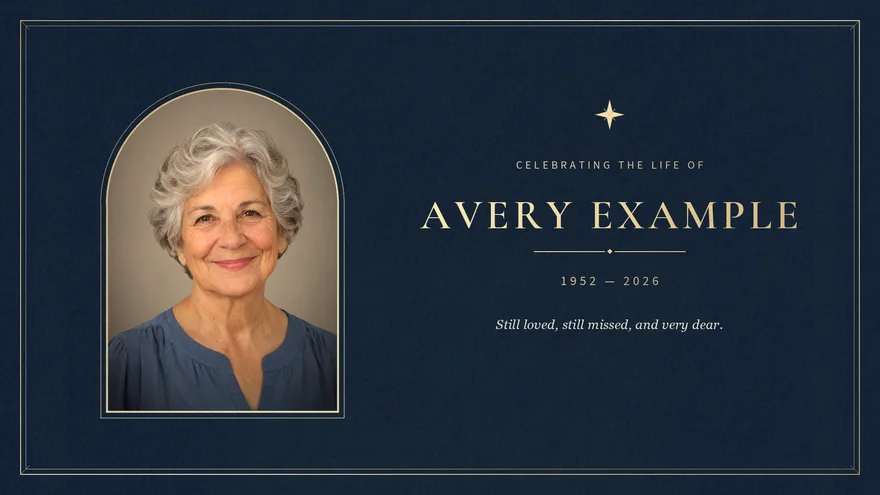
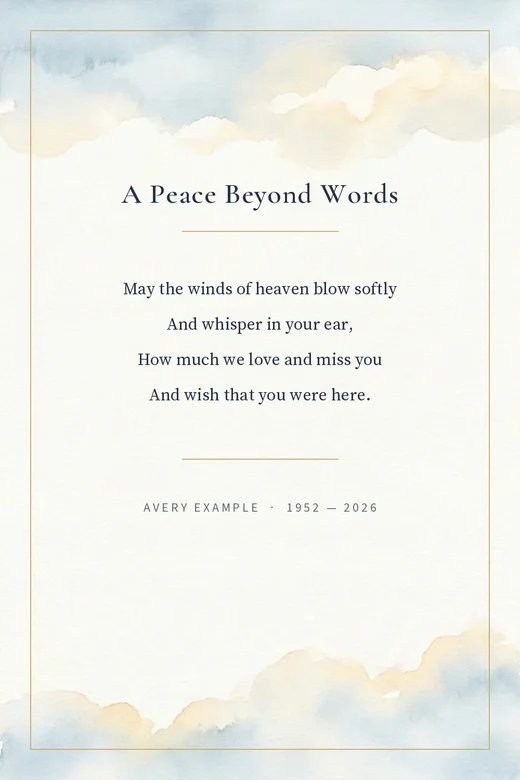
Style 04
Soft watercolor sunrise sky · Warm golden oval frame with gentle light-wrap atmosphere



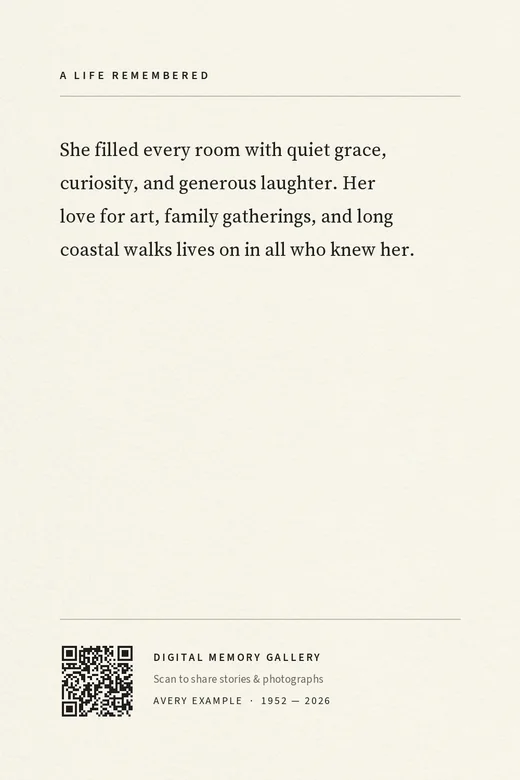
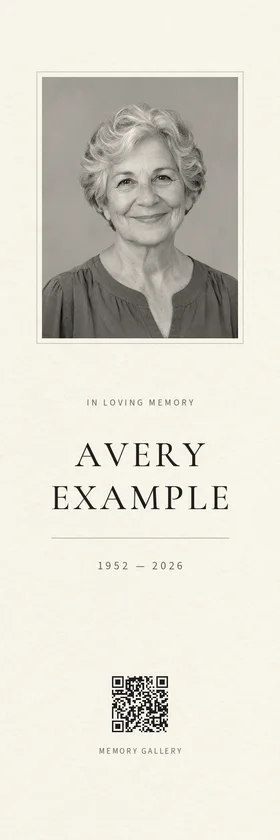
Style 05
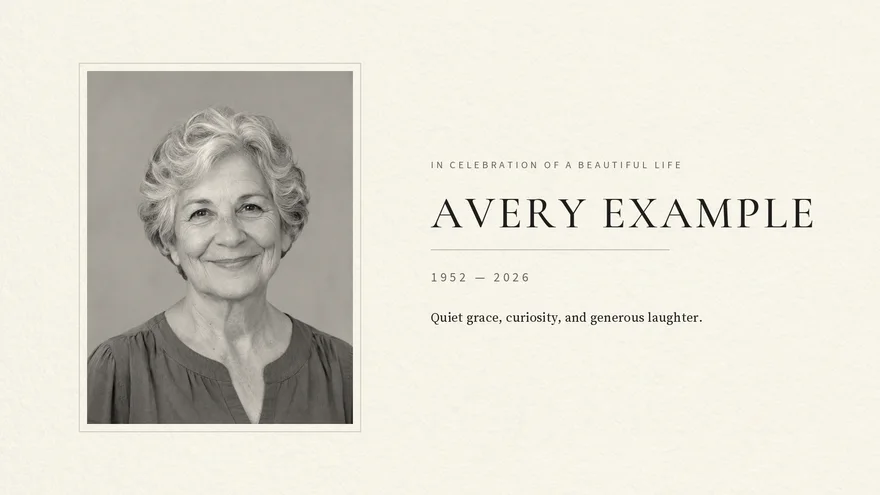
Warm silver-gelatin monochrome · Archival cotton mat border for classic & restored portraits

Upload a clear JPG or PNG. Your original stays untouched.
Pick from 5 Signature styles or 6 classic themes, then enter name & dates.
Inspect every card, sign, screen, and program page before paying.
Take the free sharing JPG or unlock 16 / 28 print-ready files in one ZIP.
No subscriptions. Every kit stays editable for 30 days and includes a 14-day refund policy.
Online sharing
Free
1 file
One memorial card JPG formatted for texting, messaging, and sharing with family and friends.
Popular
$12.90
16 files in one ZIP
4 × 6 in memorial cards (single & 2-up), 5 × 7 and 8 × 10 in portraits, US Letter / A4 & large welcome signs, 16:9 widescreen tribute, phone announcement, and print guide.
Most Complete
$24.90
28 files in one ZIP
Everything in the Memorial Kit, plus a 4-page folded funeral program, 5 × 7 thank-you cards, 6-up wallet remembrance cards, 4-up bookmarks, and share-a-memory cards.
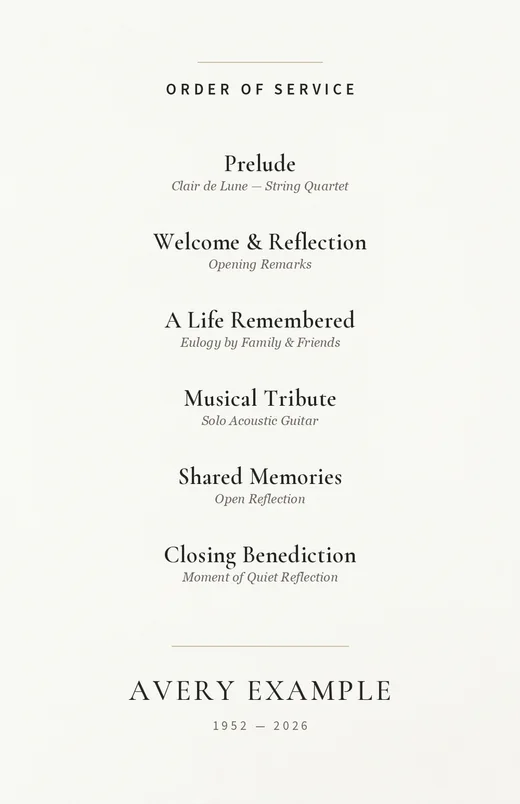
Create four coordinated items from one selected photo: a memorial card to hand out, a portrait for a table or frame, a screen tribute, and an entrance display or service notice. A printing guide travels with the downloads. Enter the wording once and check each layout. These examples use an invented person, name and dates.
Start with a clear JPG or PNG, or a checked photo-tool result. Export phone HEIC as JPG first. AI-restored faces may differ from the original, so choose the version your family prefers. A small photo with text and white space may work better than a large full-page portrait when resolution is limited.
Check spelling, dates, photo quality and all previews before paying. The free download is one 1080 × 1350 JPG sharing image with a small diglume.life mark. Print files and unmarked artwork are included in the paid kit only. The $12.90 complete digital kit includes qualifying coordinated files, up to 16 in one paper system. Large portrait sizes depend on source resolution; check what your particular photo supports.
Upload your chosen photo, then enter the name, dates and optional service information. Choose Classic or Botanical and either US Letter or A4 for the household printing files. Next, inspect all four previews. Longer names can wrap, so read them as a person would rather than relying on the first thumbnail. Finally, confirm your review and download the free marked sharing image or choose the complete digital kit. Payment unlocks the complete kit only after the server verifies a completed payment.
For a photo lab, choose the JPG marked for the matching finished size, such as the memorial card or an available portrait. Ask the lab to preserve the full composition, including white margins, and avoid automatic color correction if it changes the appearance you chose. For a home printer, use the PDF for your selected paper system and print at Actual size or 100 percent. Turn off Fit to page when the instructions require the designed size. Print one test copy before making a larger batch.
START-HERE.pdf contains a user guide and a second page headed For your print shop. Give both pages to the printer. Page two explains finished sizes, bleed and cutting information. Paper and settings affect the result, so print a test. The $12.90 price covers digital downloads, not physical printing, shipping or a frame.
You can correct wording or replace the photo during the kit access period without another kit charge. Check the previews again after any change. Unpaid kits expire 30 days after the first save; paid kits expire 30 days after completed payment. Editing or exporting again does not extend that period, so download your files and keep a separate copy. The paid-kit expiry is shown before payment. A 14-day refund policy applies, including a change of mind; contact hello@diglume.com with the order information.
One 1080 × 1350 JPG sharing image with a small diglume.life mark. Print files and unmarked artwork require the $12.90 complete kit.
The kit checks source resolution. Some large portraits may not be offered. A smaller photo with a text border and white space can be more suitable; check the previews rather than assuming enlargement restores missing detail.
Yes. Correct wording or replace the photo during the kit period, then review the new previews. A paid kit can be re-exported without another kit charge during that period.
A complete digital kit of qualifying portrait, memorial-card, screen and display files, plus the printing guide, with up to 16 files in one paper system. Physical printing and shipping are not included.
Yes. Use the PDF for the selected home paper system or the JPG marked for the matching photo-lab size. Print a test and give START-HERE.pdf, including its second page, to your print shop.
Unpaid kits last 30 days from first save. Paid kits last 30 days from completed payment. Changes and re-exports do not extend that period. Download copies before expiry.
You can request a refund within 14 days, including for a change of mind. Contact hello@diglume.com with your order details. The refund policy explains the terms and effect on access.
No. It is a digital download. You arrange any printing and frames separately.
No. Use an original JPG or PNG, or a checked result from a photo tool. Keep your original and compare facial details before choosing a processed photo.