Restore old photos online, free
Bring your photos back to life.
Remove scratches and fading from old photos, add color to black-and-white, and make small photos larger.
- Your photo
- Processing
- Download
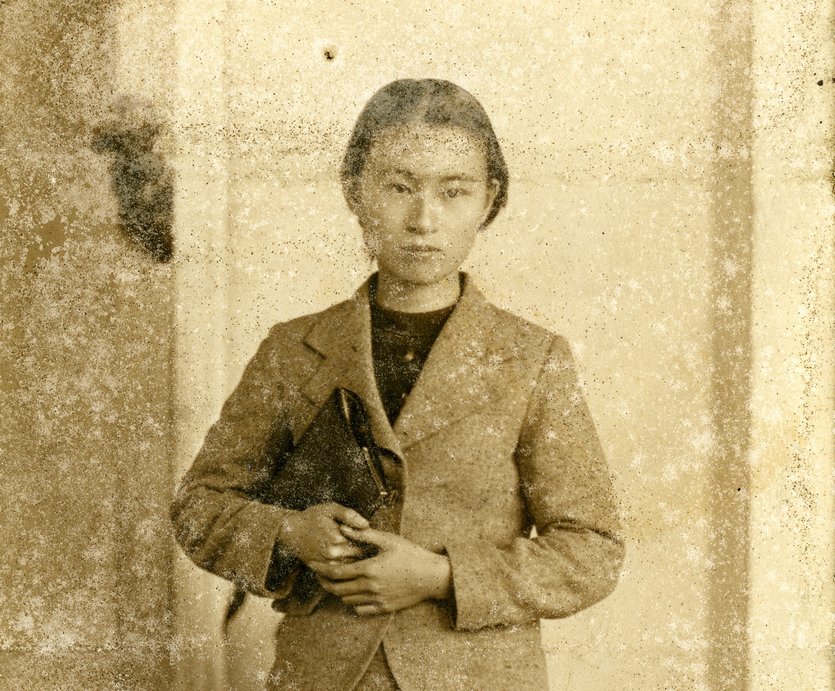
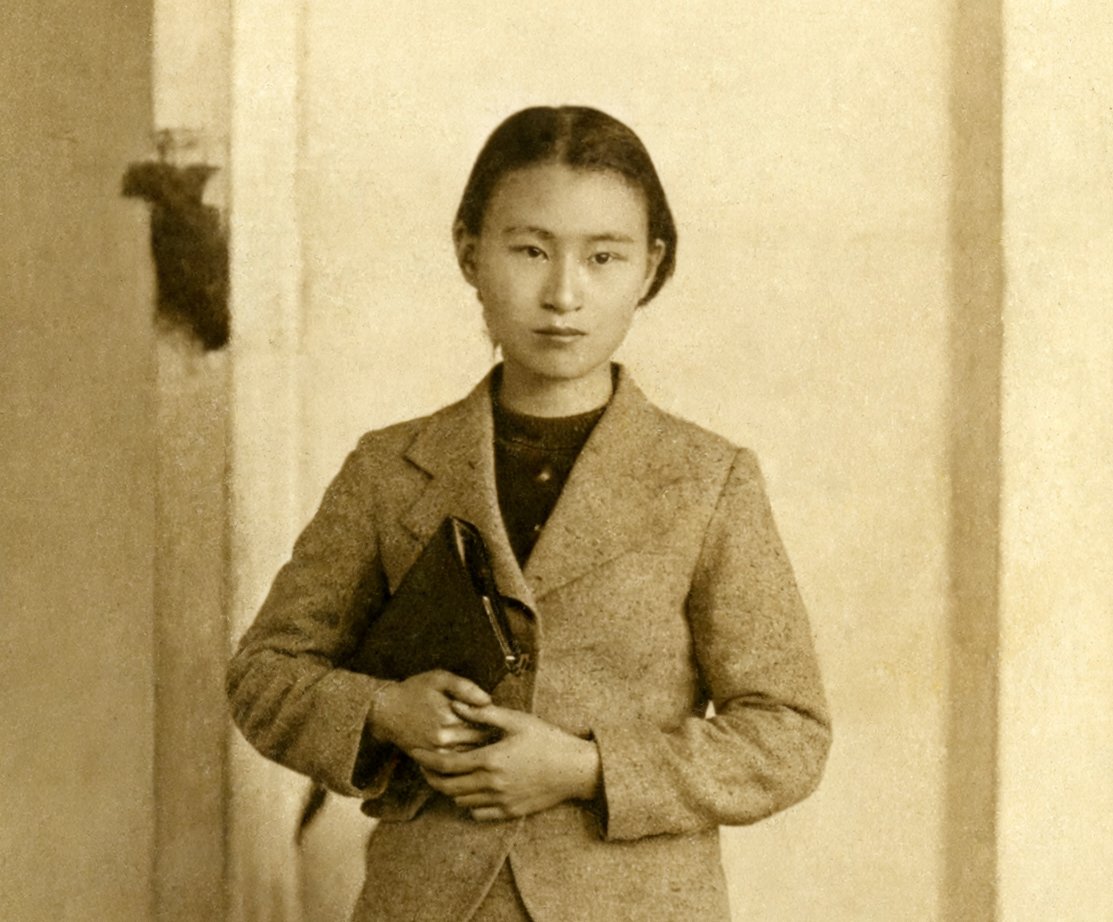 BeforeAfter
Restore your photo
Choose what you want to improve.
Checking today's free uses…
Removes scratches, spots and fading. Faces and small details can change — always compare with your original.
Photos are sent to our AI processing provider. Our copies of the original and all versions are deleted within 24 hours. You can delete them sooner.
Care for every kind of photo.
Restore Old Photos
Remove scratches, spots, creases and fading from old photographs.
Explore tool →Colorize Photos
Add plausible color to a clear black-and-white portrait or group photograph.
Explore tool →Enlarge Photos 2×
Double a small image’s pixel dimensions and clean light blur or noise.
Explore tool →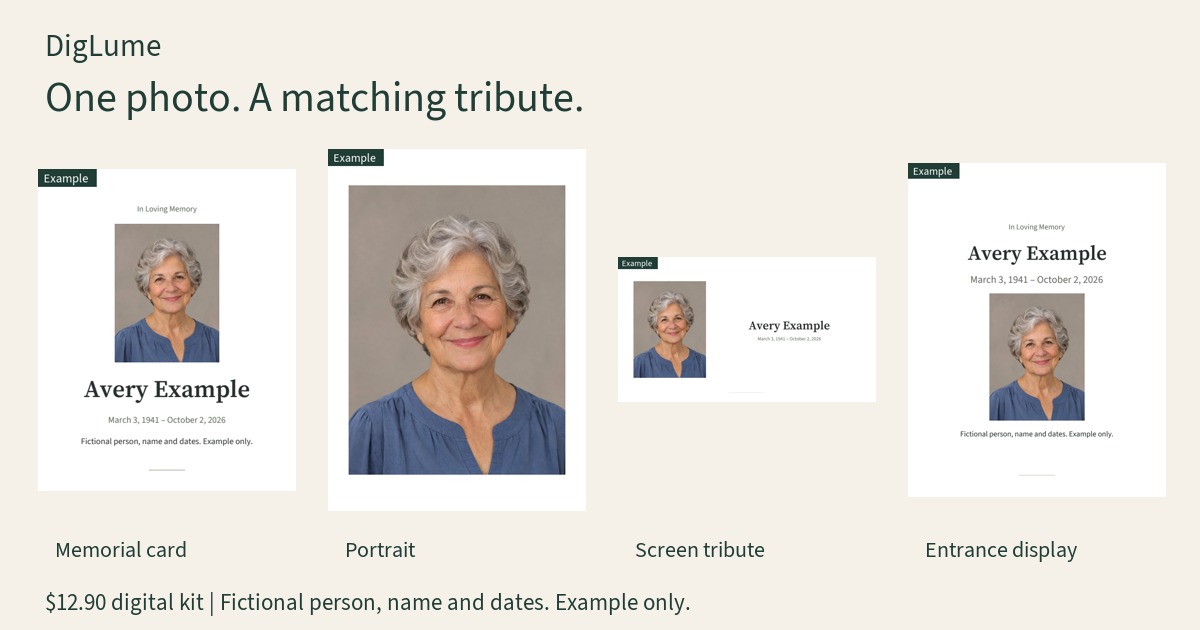
Clearer photos in three steps.
01 · Upload
Choose a JPG, PNG or WebP photo.
02 · Restore
Pick what you need: restore, colorize or enlarge.
03 · Compare & download
Check the result against your original, then download or delete it.
A clearer idea of print size.
Find the right size for your photo at 150, 200 or 300 PPI. The calculator works without a photo upload.
A few things worth knowing.
What can Restore fix?
Scratches, dust, spots, creases and fading. Large missing areas and very small text are harder, and may be redrawn or left as they are.
Will faces stay the same?
Usually, but not always. AI rebuilds damaged areas and can change small features. Compare each face with your original before you keep the result.
Why are there two versions?
Natural stays closer to your photo. Sharper adds more detail and redraws more. You can generate both and keep the one you prefer.
How big is the result?
Restored and colorized photos are about 2 megapixels. Large scans come back smaller than the original.
Are the colors real?
No. Colorize makes an informed guess; it cannot know the original colors.
Where do my photos go?
Photos are sent to our AI processing provider for restoration, colorization or enlargement. AI processing can change appearance and details. We do not publish your private photos or send them to advertising analytics. Our copies of photo-tool originals and results are deleted within 24 hours. Memorial kits have a separate 30-day period: unpaid kits from first save, paid kits from completed payment. Edits and re-exports do not extend it. You can delete either at any time; a kit has its own separate photo copy. Cleanup runs while the service is running and resumes on startup. Private object storage holds our copies; it is not a public photo gallery.
Is printing available?
Not yet. You can use the free print size calculator now.
What are the free limits?
Free uses reset at midnight, your local time. Per visitor each day: 3 restorations, 1 Sharper version, 1 colorization and 5 enlargements. Natural has 2 regenerations, Sharper 1 and colorization 2 per photo. Failed processing does not use your free allowance. If the site-wide daily budget is used, processing pauses until the next day. Paid-kit photos have the configured Sharper and colorization allowance exemption.
Can I create a digital memorial kit?
The complete digital kit costs $12.90. The free kit download is one 1080 × 1350 JPG sharing image with a small diglume.life mark. Print files and unmarked artwork require the complete kit. The complete kit includes the qualifying portrait, memorial card, service notice and display files, up to 16 files in one chosen paper system. Within the 30-day period, you can correct details or replace the photo and re-export without another kit charge. Payment is processed securely through PayPal.
Can AI change small details?
AI can change faces, hats, glasses, jewelry, skin tones and other details. Colors are estimates, not historical evidence. Small writing can be rewritten. Check the original and the result before downloading. Enlargement accepts about 1.5 MP input and returns about 6 MP at 2×; larger input requires your permission to resize first. Results must not be used as proof of identity or historical fact.