Fix Scratched or Torn Photos: Understand the Limits
See which damage may improve, what missing areas cannot reliably reveal, and how to compare a repaired photograph.
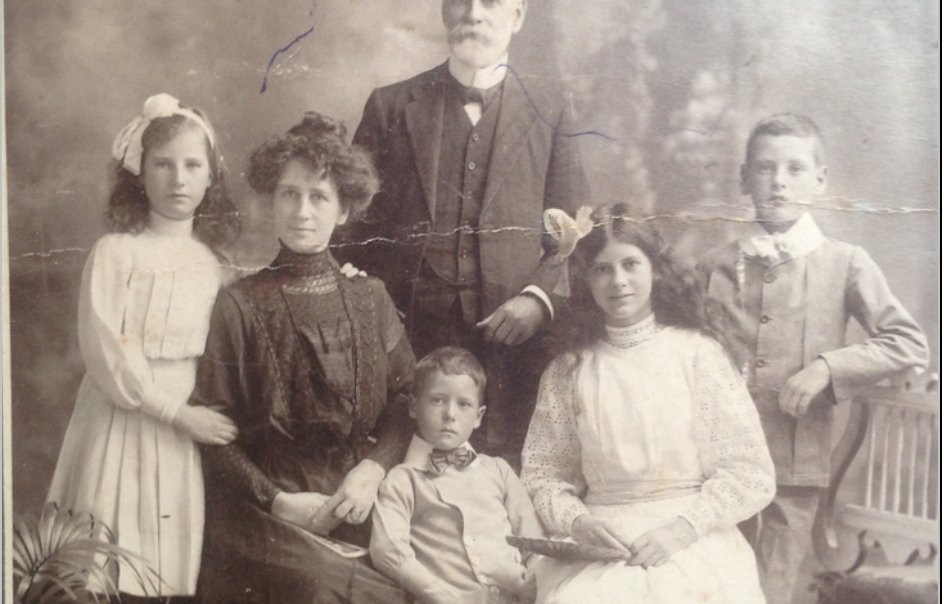
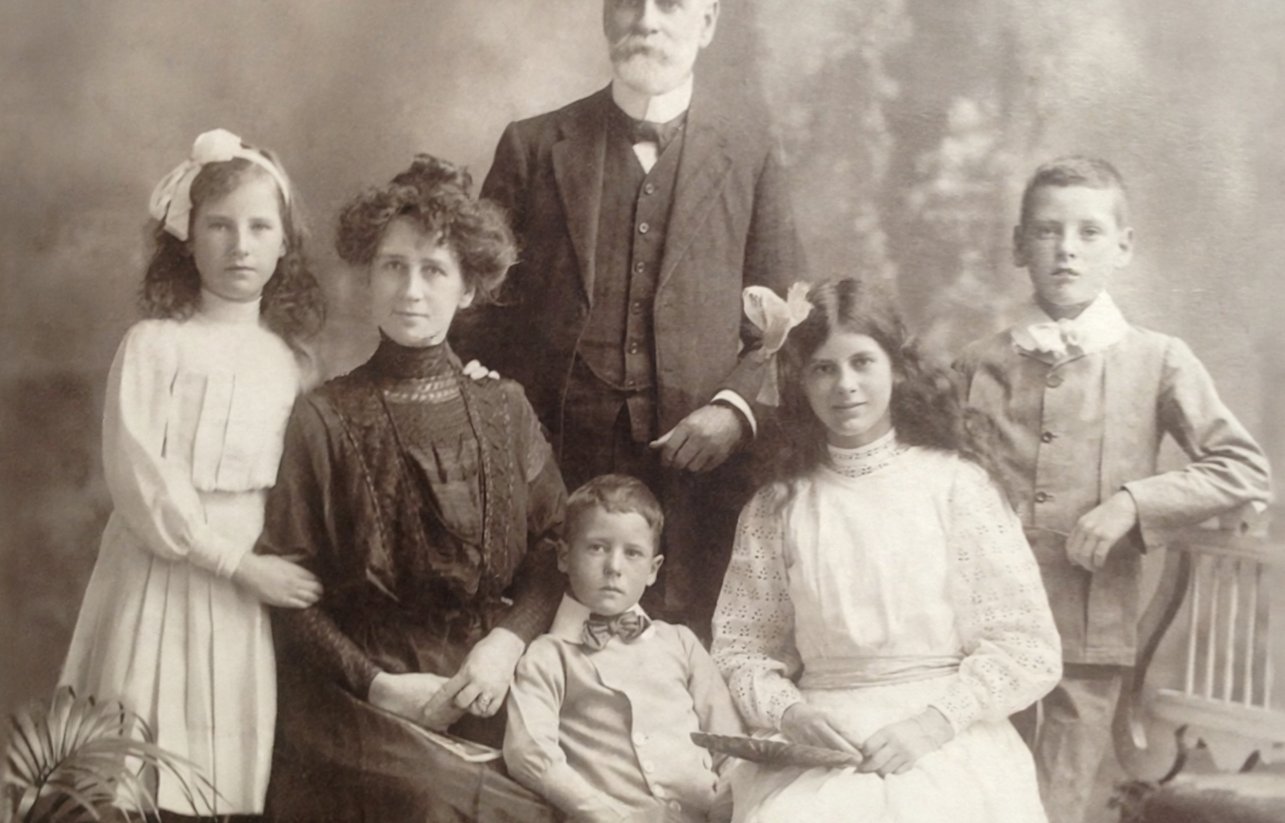
Look at the kind of damage first
A fine surface scratch, a folded crease and a missing corner are different problems. Begin by looking at what remains visible in the original. If a mark crosses a plain background, a repair may be less ambiguous than when it crosses an eye or a line of writing. A tool can make damage less noticeable, but it cannot establish facts that the photograph no longer contains. Keep the physical print and an untouched digital copy so a convincing reconstruction never becomes your only reference.
Make the best copy you can safely make
A clear scan or carefully lit phone copy gives the repair more useful information than a blurred screenshot. Keep the camera parallel to the print and avoid direct glare. Include the complete edges before making a separate cropped working copy if needed. Do not pull a fragile print from an album or apply liquid to it just to improve a scan. A badly stuck, flaking or torn original may deserve professional conservation advice. Digital restoration and physically repairing an object are separate tasks with different risks.
Fine scratches and spots may improve
Light scratches, dust-like marks and uneven fading are practical starting cases for automatic restoration. Compare several areas rather than judging only the center of the image. A small line may disappear while texture around it becomes smoother, or a crease may be replaced with a plausible continuation of clothing. Decide whether that tradeoff is acceptable for the intended use. A family keepsake and an archival record have different needs. Keep a label identifying a restored copy so other people do not mistake it for an untouched scan.
Missing areas require caution
When part of a face, hand or object is absent, there may be no dependable information to recover. A model can draw something plausible that differs from the person or scene. Large tears may remain visible or produce an incorrect reconstruction. Do not use a repaired image as proof of identity or historical evidence. If another copy of the same photograph exists, comparing it is more informative than repeatedly generating new faces. A visibly damaged but familiar original can be preferable to a seamless version with the wrong expression.
Compare Natural before trying Sharper
Natural is the first restored result and stays closer to the photograph. Sharper is an optional version that adds detail and an enlargement step, and it can redraw more. Check both at the same displayed size so extra pixels do not make the comparison misleading. Look at eyes, teeth, glasses, jewelry and any writing, then inspect the background for lost texture or new shapes. If Sharper feels artificial, keeping Natural is a valid choice. You do not need to generate every version to finish a photo.
Keep expectations about writing realistic
Small printed or handwritten text is difficult to preserve when damage and low resolution overlap. Letters may change even when the overall page looks cleaner. Compare the wording character by character if it matters, and keep a separate transcription only when someone can read the original reliably. Do not guess a date from newly generated lettering. For a memorial layout, enter confirmed names and dates as editable text rather than relying on writing inside the photograph. Read the final downloaded layout again before printing it.
Choose a useful output size
Restoration works at a processing size and may return fewer pixels than a large scan. Read the actual result dimensions before choosing paper. Enlargement adds pixels; it does not certify recovered detail. Use the print size calculator to compare a smaller portrait, a card and a larger display. A text-and-white-space layout can make a limited source more useful without hiding its limits. Print a sample and compare the face with the original under ordinary light before ordering several copies or approving a large print.
Save the versions you decide to keep
Download a chosen result before replacing it with another attempt, and keep the original separately. Our copies of photo-tool files are deleted within 24 hours, or sooner when you request deletion. A memorial kit has a separate copy and its own 30-day period. Write down which version you used if other relatives will help prepare materials. A good outcome is a photograph you can recognize and use with context, not a claim that every mark or missing detail has been authentically recovered.