Colorizing Family Photos: What to Expect
Treat added color as an estimate, compare faces and edges, and keep the original monochrome photograph.
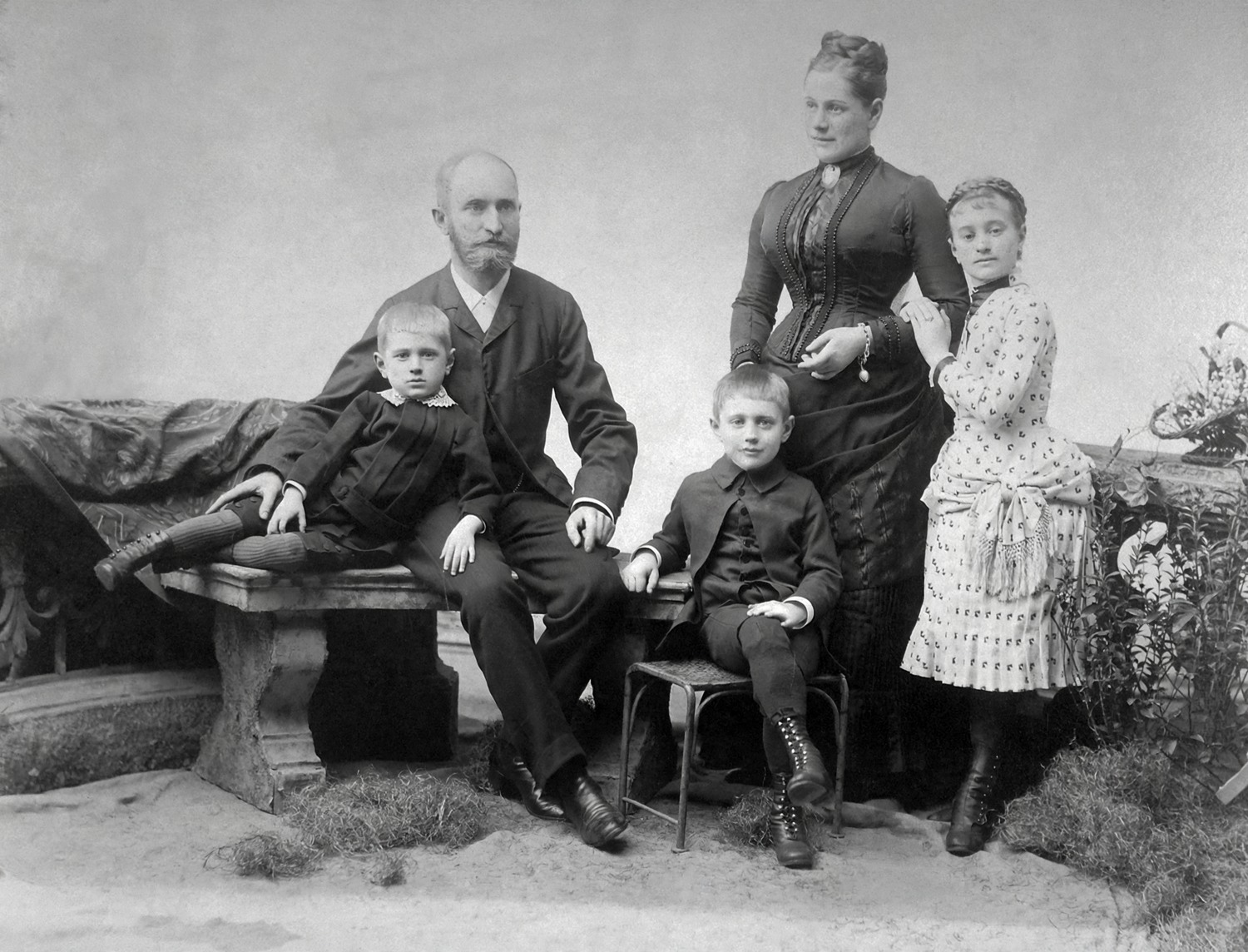
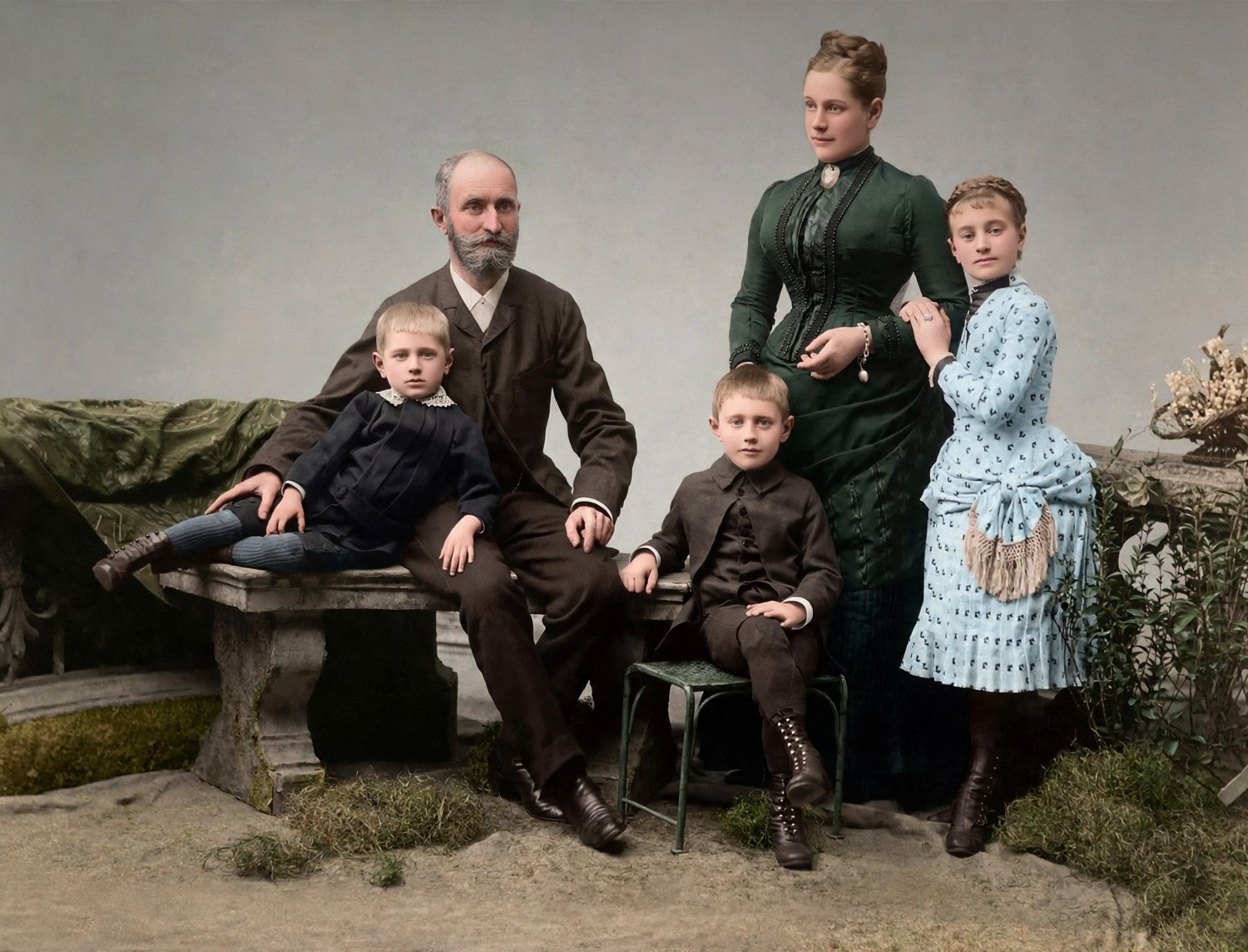
A new interpretation beside an old photograph
Colorization can make a monochrome photograph feel more familiar, but it does not uncover a hidden record of the original colors. The result is a plausible estimate made from the visible shapes and patterns. That distinction matters when you share a family image or place it beside a historical note. Keep the original and describe the new copy as colorized. A believable blue coat or warm skin tone may still be different from what the person actually wore or how the scene looked.
Start with the clearest monochrome source
A clear scan with complete edges is a better starting point than a small screenshot. Deep scratches, motion blur and missing areas are separate problems that added color may not solve. If damage is the main concern, try restoration first and inspect that result before colorizing it. Avoid repeatedly passing an image through several apps without keeping intermediate files. Each step can change details or discard information. The master scan remains useful even if you eventually prefer a processed copy for a card or family display.
Compare structure before judging the palette
Attractive color can distract from a changed face. Begin by comparing the eyes, mouth, glasses, hairline and outline of the clothing with the original. Then check hands, jewelry and writing. A tool may redraw a small detail while producing a convincing overall scene. If the face no longer feels like the person, choose a different version or keep the monochrome original. More saturation and smoother skin are not evidence of greater accuracy. Ask someone familiar with the photograph to make an independent comparison if possible.
Look for inconsistent color boundaries
Color may spread across a sleeve, appear in an odd patch on skin or change between two parts of the same object. Examine those areas at a useful viewing size rather than zooming only into isolated pixels. Check whether a background tint distracts from the face, and whether dark areas have lost meaningful detail. A minor inconsistency may be unimportant on a small keepsake but obvious in a large display. Choose the version for the use you actually have in mind, not just for a bright thumbnail.
Use family knowledge carefully
Relatives may remember a uniform, dress, room or garden in the image. That information can help you recognize a wrong estimate, but memories can differ. Do not present an uncertain recollection as a verified color record. When exact color matters, a plausible automatic result may be unsuitable. You can keep the monochrome photograph, use a short explanatory note or share both versions. A tool does not need to make the final historical judgment for you, and it should not replace a reliable source about the scene.
Another attempt is another estimate
Regeneration may produce a palette you prefer, but it does not make the process progressively closer to a known original. The tool offers a limited number of regenerations per photo; download a version before replacing it if you want to keep it. Free daily allowances and the site-wide processing budget still apply. A failed processing task does not consume a free use. Decide whether the current version is useful before requesting another, and avoid chasing a certainty that the black-and-white source cannot provide.
Plan printing from the result dimensions
Colorized output is about 2 megapixels, so a large scan can return a smaller file. Read the displayed dimensions before choosing a print. Use the calculator to compare paper sizes, and remember that paper, printer and viewing distance affect the result. A smaller photograph with a border may be preferable to a large colorized face with visible invented detail. Print one sample and ask the shop to avoid automatic corrections that change the palette you chose. Keep the full image and its proportions intact.
Keep context when you share the image
Save the original, the selected colorized copy and a note saying that its colors are estimated. Ask the family whether the version is appropriate before using it on memorial materials. Download results before our photo-tool copies are deleted within 24 hours, or delete them sooner when finished. If you make a memorial kit, it keeps a separate copy with its own access period. Colorization is optional: a monochrome photograph can be personal and complete without being made to look newly photographed.